Install and Update Business Skills
A colleague has already packaged a set of business operations into a Skill, so you don't have to explain the rules to the Agent over and over. Once the Skill is installed locally, just state your business need and the Agent will follow those rules.
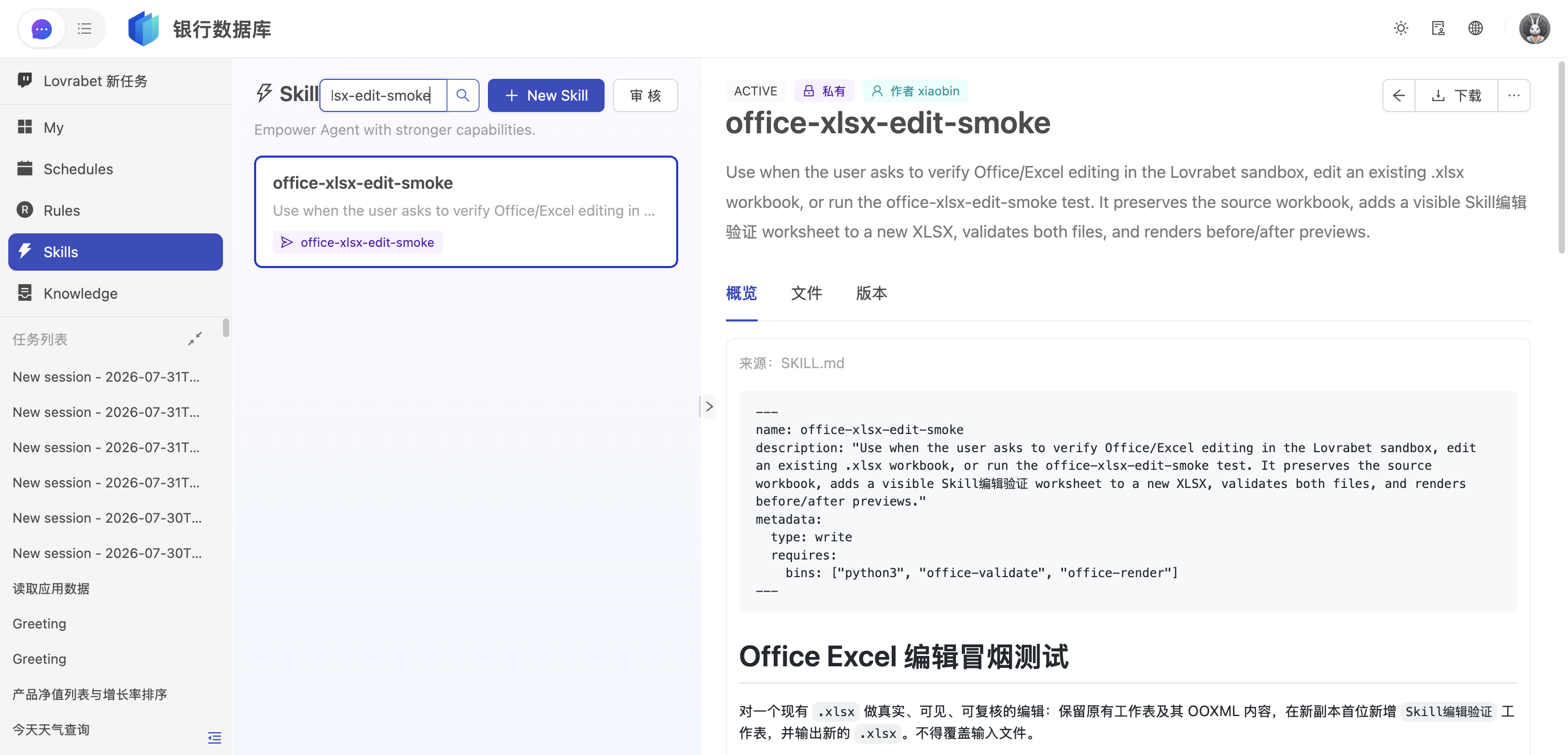
This guide walks you through three things: finding the Skills you're allowed to use, installing them locally, and syncing the latest version after an update.
TIP
Understand Skill visibility first
Personal (personal): Visible only to the publisher and enterprise admins. You can't see other colleagues' personal Skills, and you can't install them. Company (company): Submissions require admin review. Only after approval can company members view and install the Skill. Same-name versions: When the same skillCode has both a personal and a company version, the publisher uses the personal version while everyone else uses the approved company version.
See which Skills you can use
Run this in a directory already switched to the target app:
lovrabet skill listThis command only reads the cloud list — it installs nothing. In the output, personal entries are your own personal Skills; company entries are company Skills that have passed review and that you have permission to use.
Find the Skill you want and note its skillCode. Every install and update below uses this code.
Install a Skill
For first-time use, install the target Skill instead of installing everything at once:
lovrabet skill install --code <skillCode>Once you see the success message, move on to the verification step. Installing only syncs the versions you're allowed to see under the current app to your machine — it never modifies the cloud Skill.
To install every visible business Skill under the current app in one go, run:
lovrabet skill installCheck that the Skill is installed
Run:
lovrabet skill list --localThis lists what's on your machine. If the target skillCode appears, the install is complete and the Agent can now discover the Skill.
If the same skillCode exists in both a personal and a company version, both sets of files are kept, but the personal version is the one that takes effect. This rule prevents a company version from overwriting your personal copy while you're still debugging it.
Verify the Skill with one business request
Go back to the Agent conversation and send a typical user request this Skill is designed for. Don't mention the Skill name in the message, and don't teach the Agent to run CLI commands step by step.
For example, for a Skill that checks invoices, just send: check this invoice.
If the Agent recognizes the request, loads the Skill, and returns results following the Skill's steps, the installation works.
Sync the latest version of a Skill
When a colleague tells you the company version has been updated, or you've just republished your personal version, run the install command again:
lovrabet skill install --code <skillCode>The CLI syncs the latest available version of that Skill to your machine and cleans up stale links and caches under that code.
To refresh every business Skill under the current app, run:
lovrabet skill installA full install also removes local Skills that have been deleted from the cloud. After updating, run lovrabet skill list --local again to check the version.
How to troubleshoot
A colleague can see a personal version — why can't I? Personal versions are visible only to the publisher and enterprise admins. The colleague needs to submit it as a company version; you can install it once an admin approves.
The company version was submitted — why can't I see it yet? A successful submission is not the same as taking effect. First confirm an admin has approved it, then check that you've switched to the app where the Skill was published.
I installed the company version, but the Agent still uses my own content? Run lovrabet skill list --local --scope all first. If a personal version with the same skillCode exists locally, the personal version takes priority.
The built-in Lovrabet CLI user guide is missing from the list? Built-in Skills and business Skills are managed separately. To install or refresh built-in Skills, run:
lovrabet cli-skill installBuilt-in Skills never appear in lovrabet skill list and cannot be published via lovrabet skill push.