Create, Publish, and Maintain Business Skills
When you find yourself explaining the same business rules to the Agent repeatedly, or you want the whole team to operate the same way, package those rules into a business Skill.
This guide starts from a local draft: publish a personal version and verify it yourself, then submit a company version for review; later, when the rules change, keep maintaining and updating the same local directory.
TIP
Choose the publishing scope first
Personal (personal): The default publishing mode. Visible only to you, no review needed after publishing — ideal for development and verification. Company (company): Available to all company members, but every new version requires admin review. A successful submission doesn't take effect immediately; only after approval does the version appear in members' installable list. Recommended order: Publish the personal version and finish verification first, then submit the company version. Never request a company-wide release from an unverified draft.
Decide the Skill code and operation type
Start by giving the Skill a stable English code (skillCode). Use lowercase letters, digits, and hyphens — for example, invoice-review. This code identifies and updates the Skill; don't change it after publishing.
Then decide whether the Skill changes business data:
read: Only queries, summarizes, or verifies — never creates or modifies business data.write: Creates, modifies, deletes, sends, uploads, publishes, or advances a workflow state.
If you're unsure, list the actual operations. If any single step changes business state, choose write.
Create the local Skill draft
For query-only Skills, run:
lovrabet skill create --name <skillCode> --type readFor Skills that change business data, run:
lovrabet skill create --name <skillCode> --type writeThe command generates .agents/skills/<skillCode>/. This step only creates local files — nothing is uploaded, and nobody else can see it.
Fill in what the Agent needs to recognize the Skill
Open SKILL.md in that directory and complete these four items in order:
- Keep
nameexactly as the skillCode you entered when creating the Skill. - Add
displayNamewith a name users can read at a glance. - Replace the
descriptionplaceholder with trigger guidance: what this Skill does, when users should invoke it, and when they shouldn't. - Uncomment
exampleand fill in one typical request a user could send as-is.
---
name: invoice-review
displayName: 发票检查
description: "检查发票字段是否完整、金额是否一致;上传发票并要求核对时使用,不用于修改财务系统数据。"
example: "检查一下这张发票"
metadata:
  type: read
---
Complete the Skill's execution rules
Keep filling in the placeholders in the template body. At minimum, make clear:
- What materials the user must provide before execution starts.
- The order the Agent operates in, and what result each step must show before proceeding.
- Which situations require stopping to ask the user, without expanding the scope on its own.
- What result is returned at the end, and how task completion is judged.
If you chose write, also describe how to preview and confirm before a real execution, how to read back and verify afterwards, and how to recover from failures.
Never put AccessKeys, cookies, passwords, test accounts, or absolute paths from your own machine into a Skill.
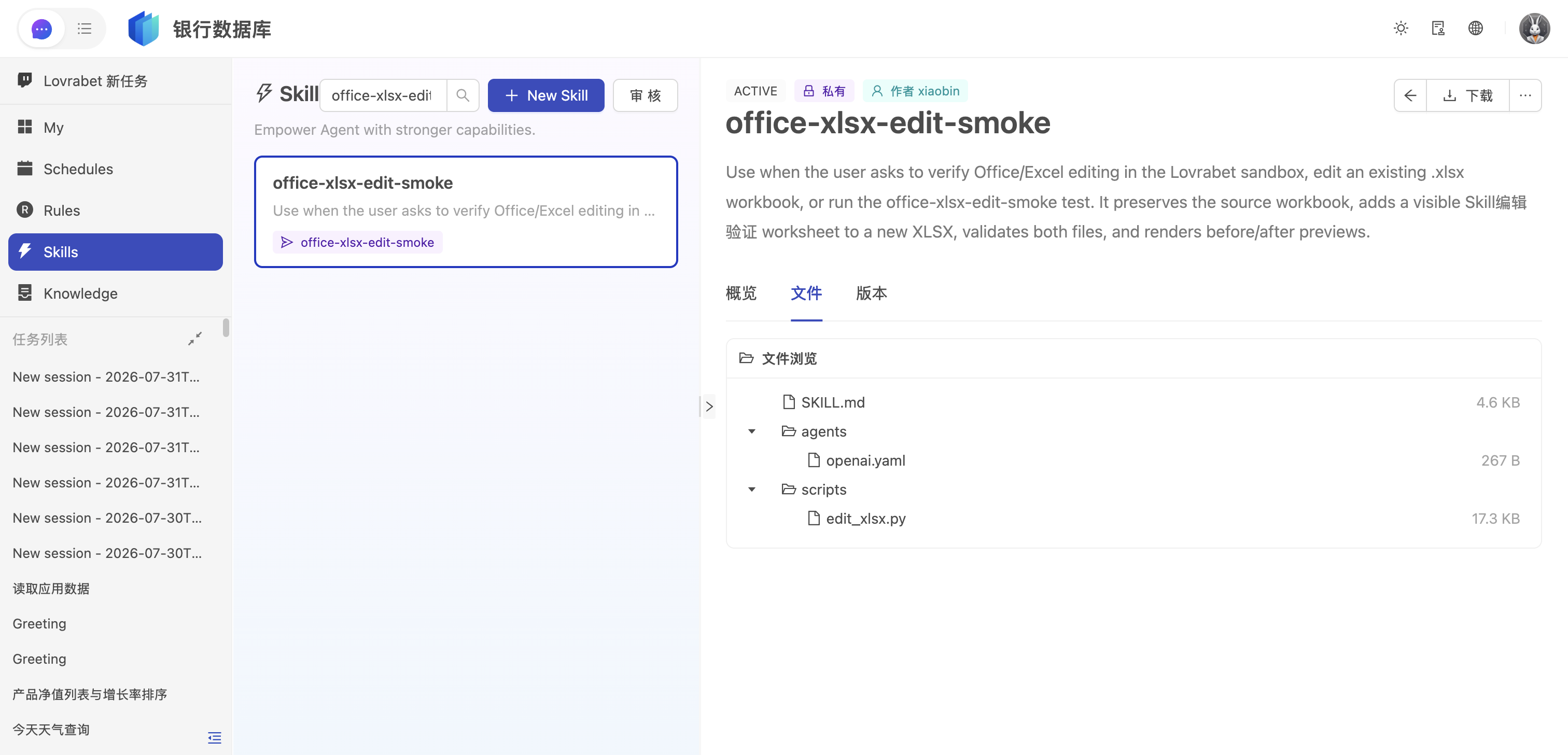
Validate the local Skill
After saving the files, run:
lovrabet skill validate --dir .agents/skills/<skillCode>Continue to publishing only after validation passes. A warning means recommended information is missing — it may not block publishing, but check and fill it in anyway. An error blocks publishing outright and must be fixed.
Preview and publish the personal version
Run a publish preview first. It runs the platform checks but creates no version:
lovrabet skill push --dir .agents/skills/<skillCode> --dry-runOnce there are no errors, publish the personal version for real:
lovrabet skill push --dir .agents/skills/<skillCode>If the command stops with warnings, review them one by one. Only when you're sure a warning is a false positive and the content needs no change, run:
lovrabet skill push --dir .agents/skills/<skillCode> --confirm-warningsA personal version is usable immediately after publishing — no admin review. Other regular members can't see it or install it.
Install and verify the personal version
First confirm the personal version exists in the cloud:
lovrabet skill list --scope personal --code <skillCode>Then install it locally:
lovrabet skill install --scope personal --code <skillCode>Go back to the Agent conversation and send the typical request from example. Check that the Agent recognizes the Skill, follows the rules, and returns the expected result. If anything is wrong, fix it in the local directory — don't move on to the company version yet.
Submit the company version for review
After the personal version passes verification, preview the company-level release first:
lovrabet skill push --scope company --dir .agents/skills/<skillCode> --dry-runOnce there are no errors, submit it for real:
lovrabet skill push --scope company --dir .agents/skills/<skillCode> --confirm-warningsA successful submission only means the version has entered review. Company members can't see the new version yet. The company version takes effect only after an admin approves it.
Check the company version after approval
When the admin confirms approval, view the company version:
lovrabet skill list --scope company --code <skillCode>Once the effective version appears in the list, members can run:
lovrabet skill install --scope company --code <skillCode>If the publisher still has a same-name personal version installed locally, the personal version keeps taking priority. Other company members without a personal version will use the approved company version.
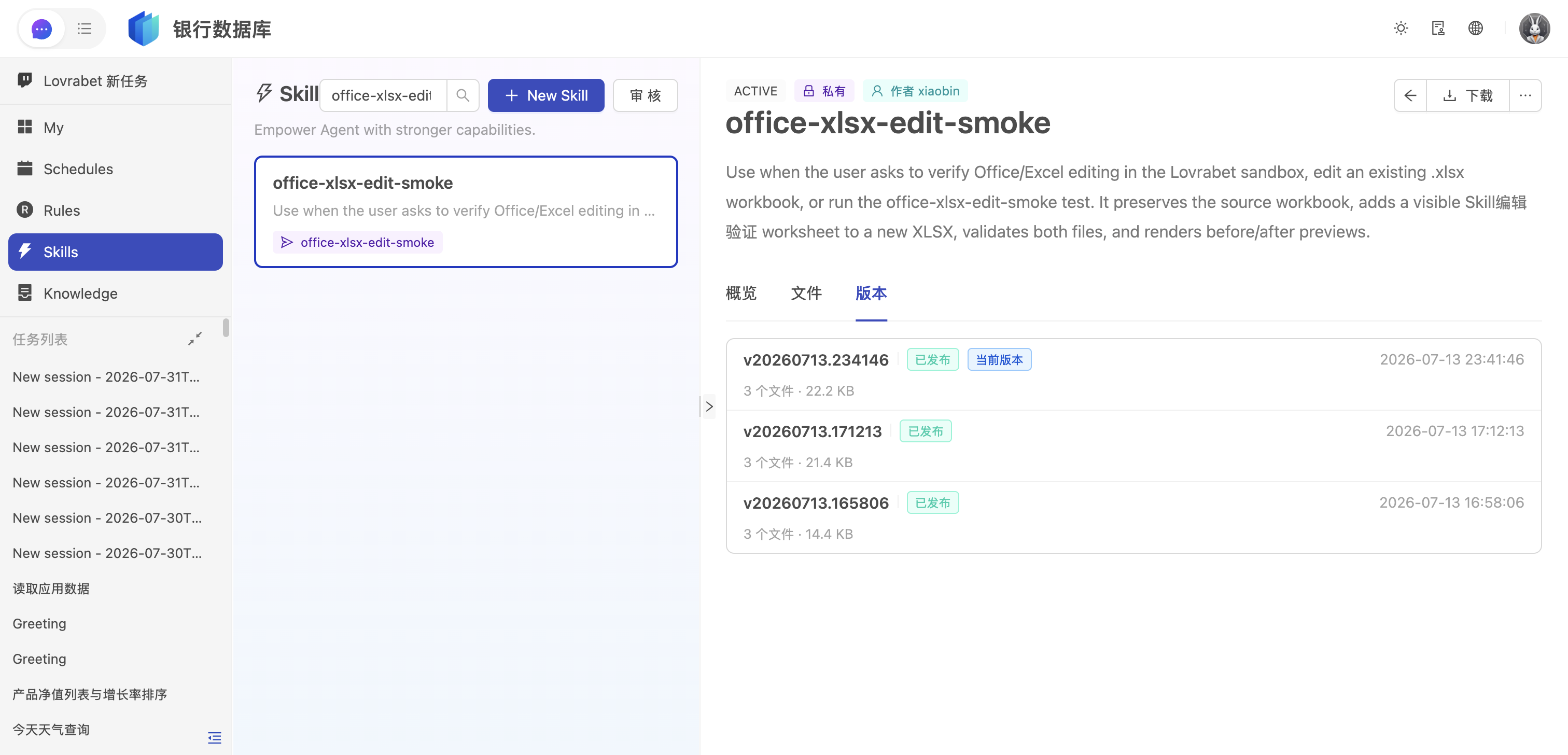
Update a published Skill
When business rules change, keep maintaining the original .agents/skills/<skillCode>/ directory — don't create a second code.
- Edit
SKILL.mdand any references, scripts, or assets that ship with it. - Run
lovrabet skill validate --dir .agents/skills/<skillCode>. - Check with a personal
push --dry-runfirst, then push for real. - Run
lovrabet skill install --code <skillCode>again and verify in the Agent conversation. - When the change should reach the company, submit the new version for review with
push --scope company.
Every company-version update requires a new review. Until the new version is approved, members keep using the previously effective company version.
When the local source files are gone
If the local draft directory has been lost, install the target Skill first and confirm the current rules from the installed content:
lovrabet skill install --code <skillCode>The install directory is a build artifact for the Agent — don't edit it long term. To change the company version, first create a personal copy in your working directory, verify it, then submit it for company review; never overwrite an already-effective company version directly.
How to troubleshoot
Colleagues can't see my personal version? That's expected. Personal versions are visible only to the publisher and enterprise admins. To share with colleagues, you must submit a company version and pass review.
The company version was submitted, but colleagues still can't install it? Confirm the review has actually passed. A successful submission and an approved review are two different states.
I updated the company version, but my Agent still behaves the old way? Run lovrabet skill list --local --scope all and check whether a same-name personal version exists. The personal version takes priority over the company version.
The scan flagged a password or key? Remove it from the Skill immediately and rotate any exposed credentials. Never use --confirm-warnings to skip a real security issue.