Data Q&A and analysis with the Agent
When you need to pin down a business question, verify metric definitions, or save an analysis result, follow these steps in a chat.
Step1. Structure your question around four elements
Object + time period + metric + dimension:
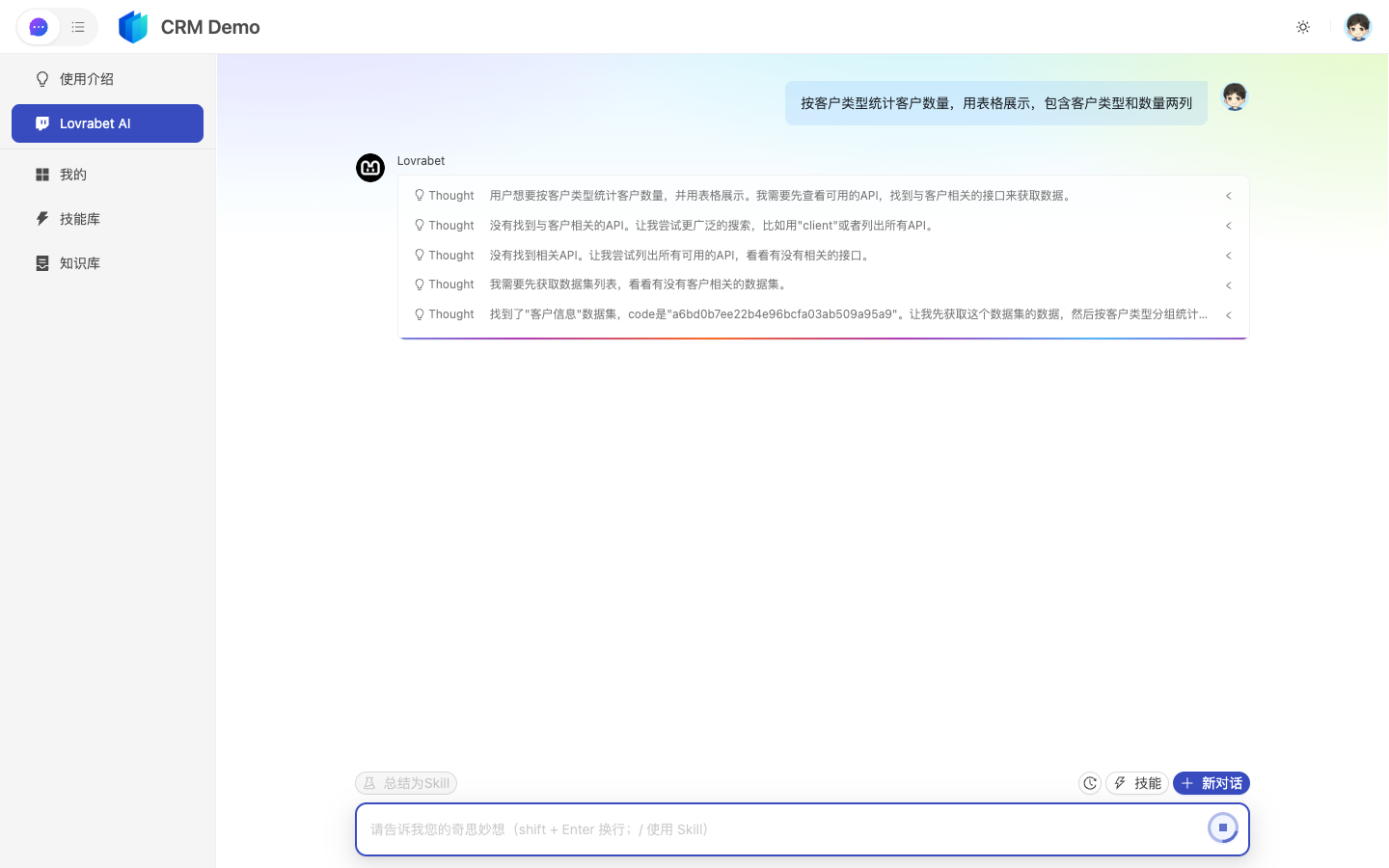
text
按【品类】统计【订单】在【最近7天】的【退款金额】,输出 Top10 表格。Step2. Ask the Agent to expose its metric definitions [optional]
If the result isn't what you expected, follow up:
text
请列出本次使用的数据集、字段、筛选条件和计算口径。Step3. Decide whether to make it permanent [optional]
| Result type | What to do |
|---|---|
| One-off conclusion | Keep it in the chat |
| A stable metric | Save it as a page or generate an analysis chart page |
| Complex metric definitions | Have an admin capture them as custom SQL / BFF, then reuse from the Agent or a page |
FAQ
What if the Agent guesses the wrong fields?
Ask an admin to calibrate the DO in Dataset Overview; for complex statistical definitions, prefer capturing them as custom SQL.