Creating and modifying data list pages | Platform operations
Introduction
The platform can generate data list pages from database analysis results and the tables you select, and prepare the matching create, edit, and detail forms at the same time. It's the no-code way to initialize pages in Lovrabet and keep configuring them.
🎬 Video coming soon: [终稿]标品页面生成.mp4
Terminology note: some older screenshots still say "standard page" or "standard list page" — both refer to what is now the "data list page".
How to use it
Create a data list page
- Open the target app, then open the "Smart Database Generation System" in the Agent.
- Select the target database and continue.
- Select the tables you want pages for, click "Generate pages", and wait for the Agent to finish.
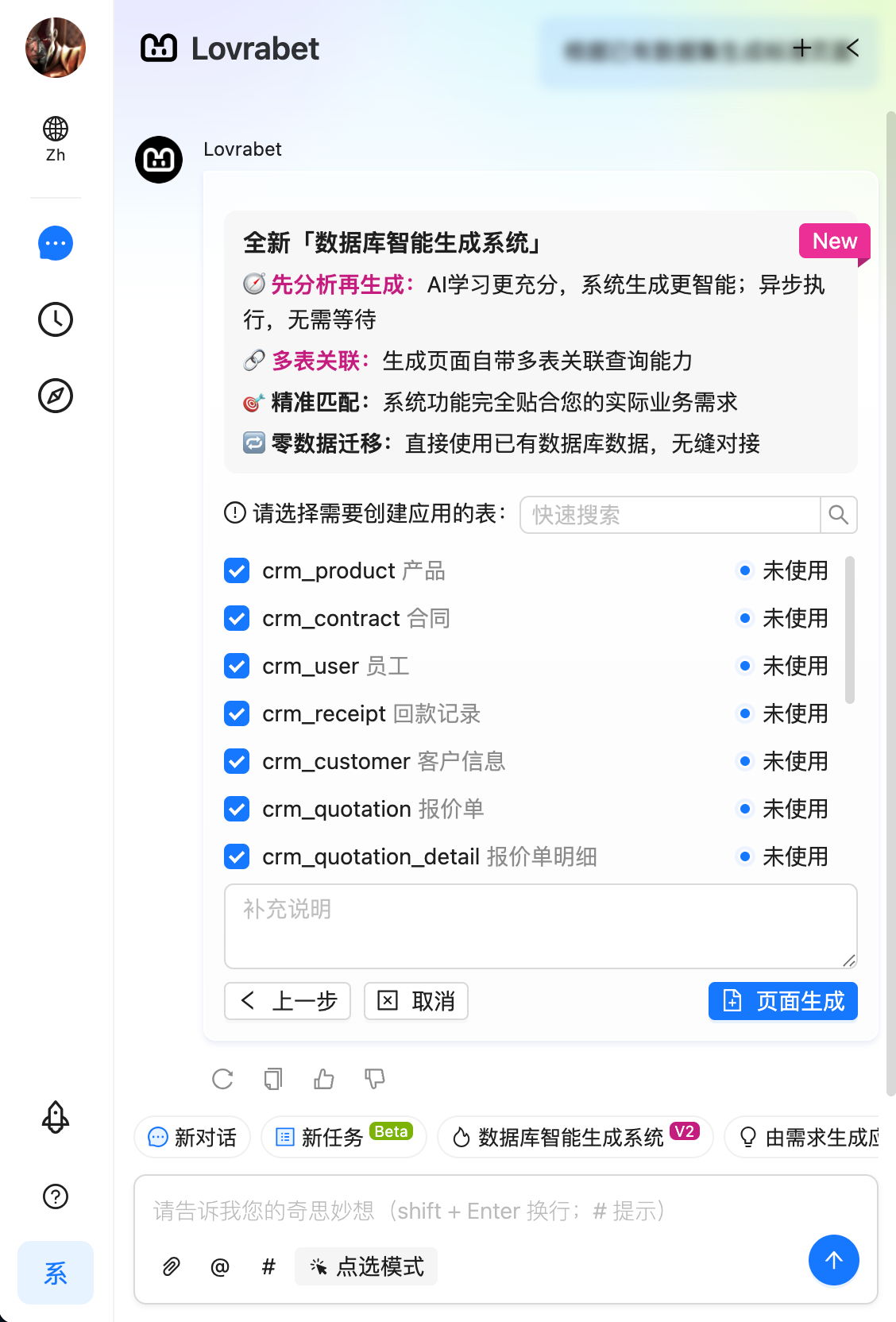
- Confirm the card
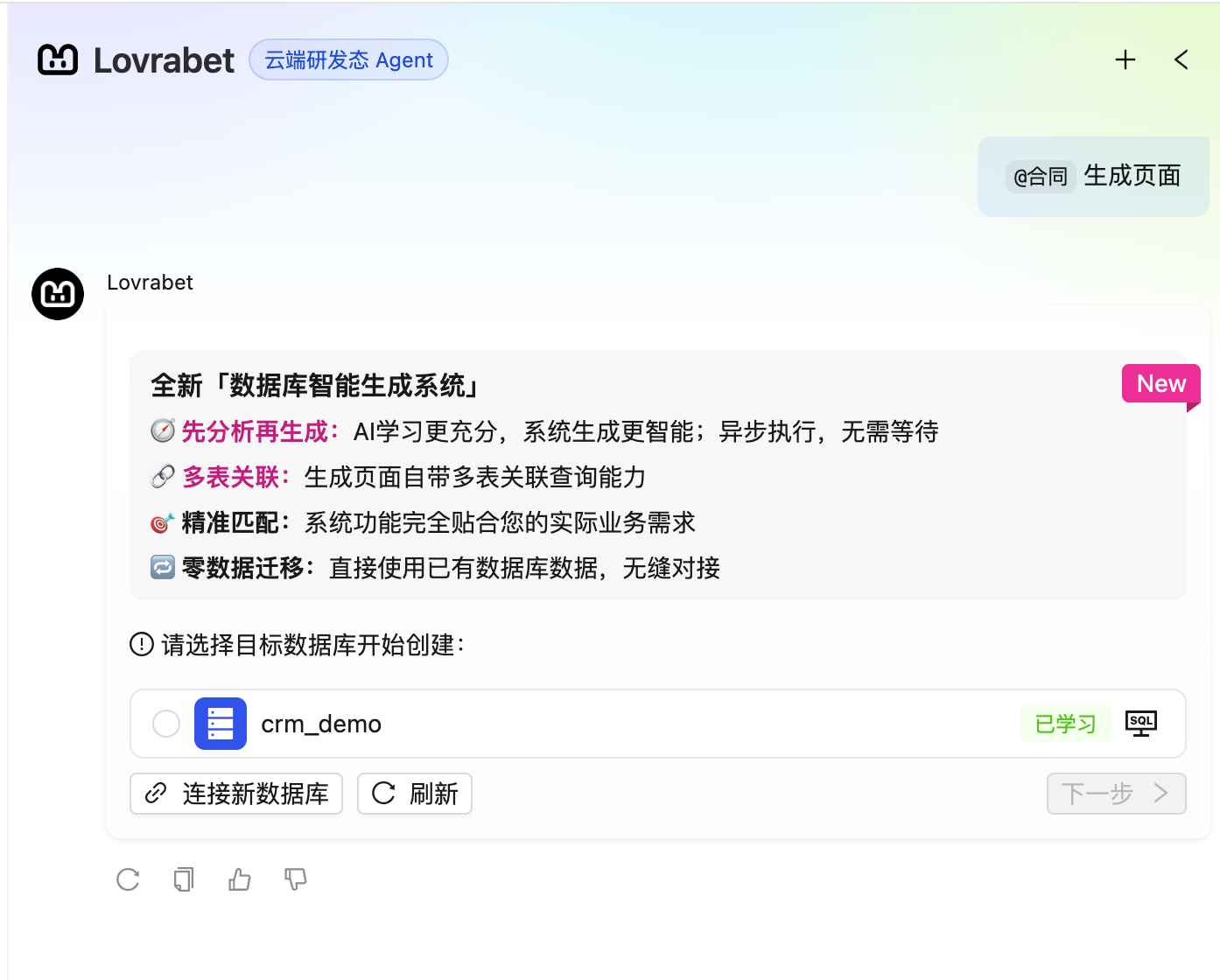
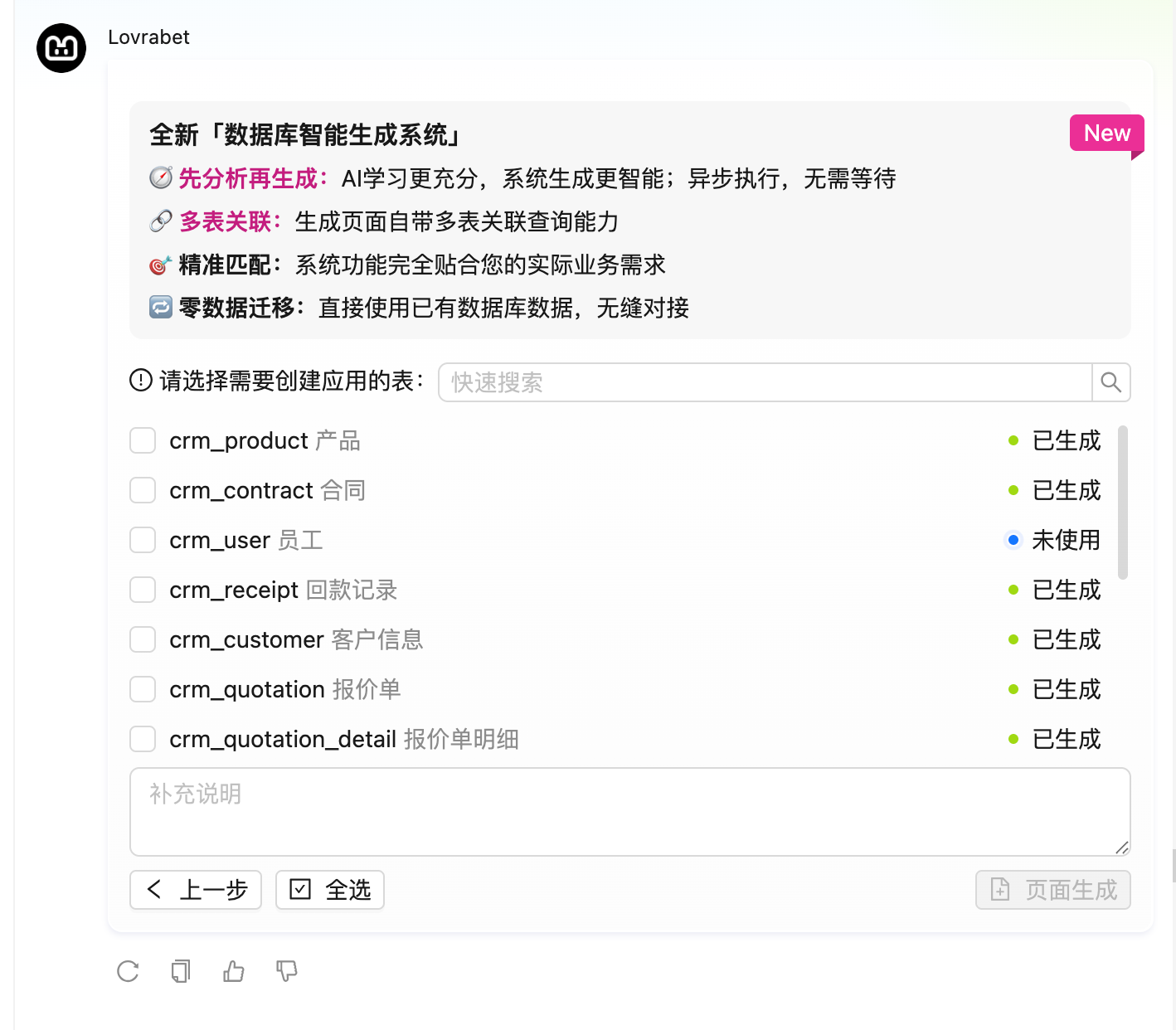
- Confirm and start generation
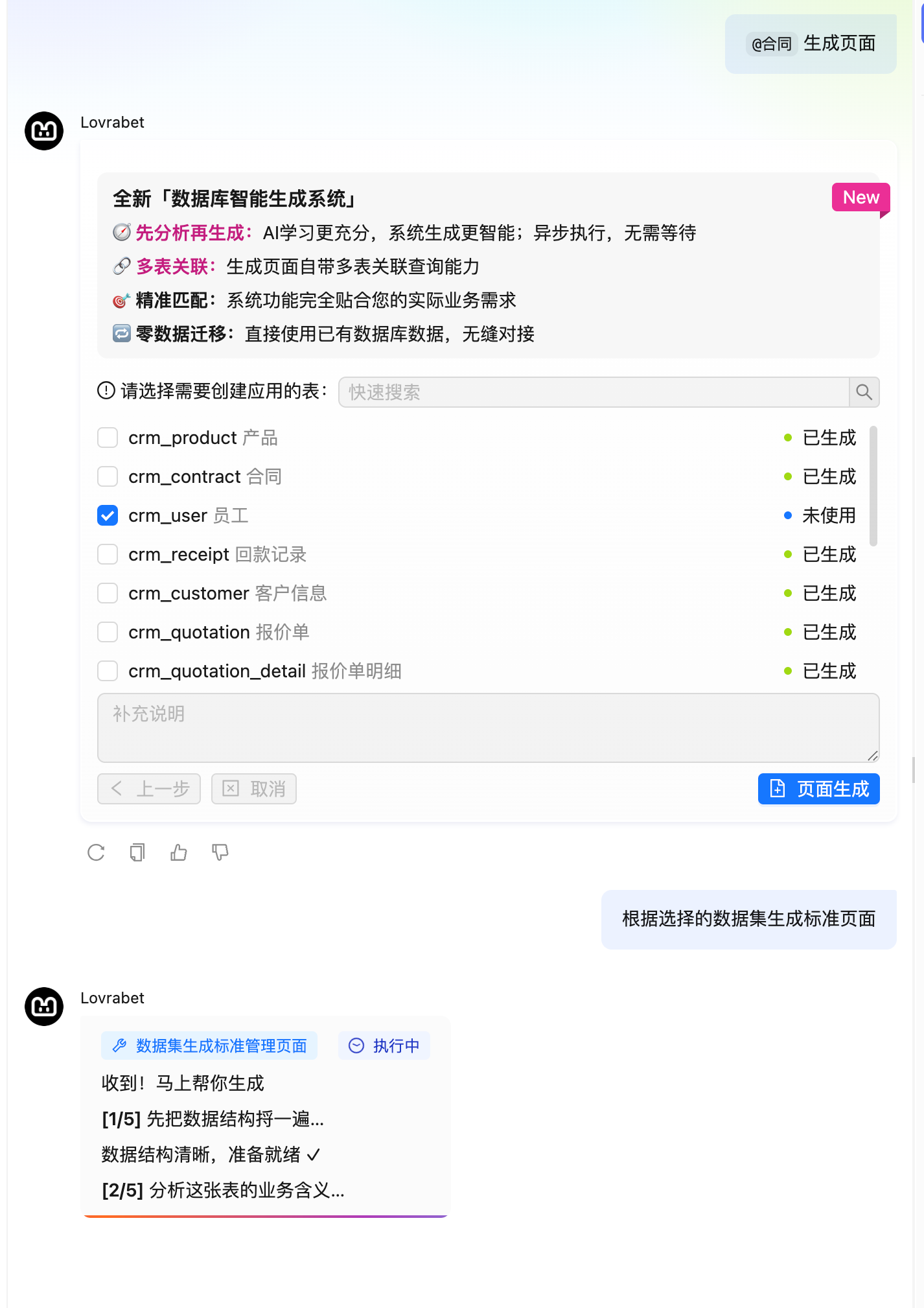
🎬 Video coming soon: SmartList-2026-05-21.mp4
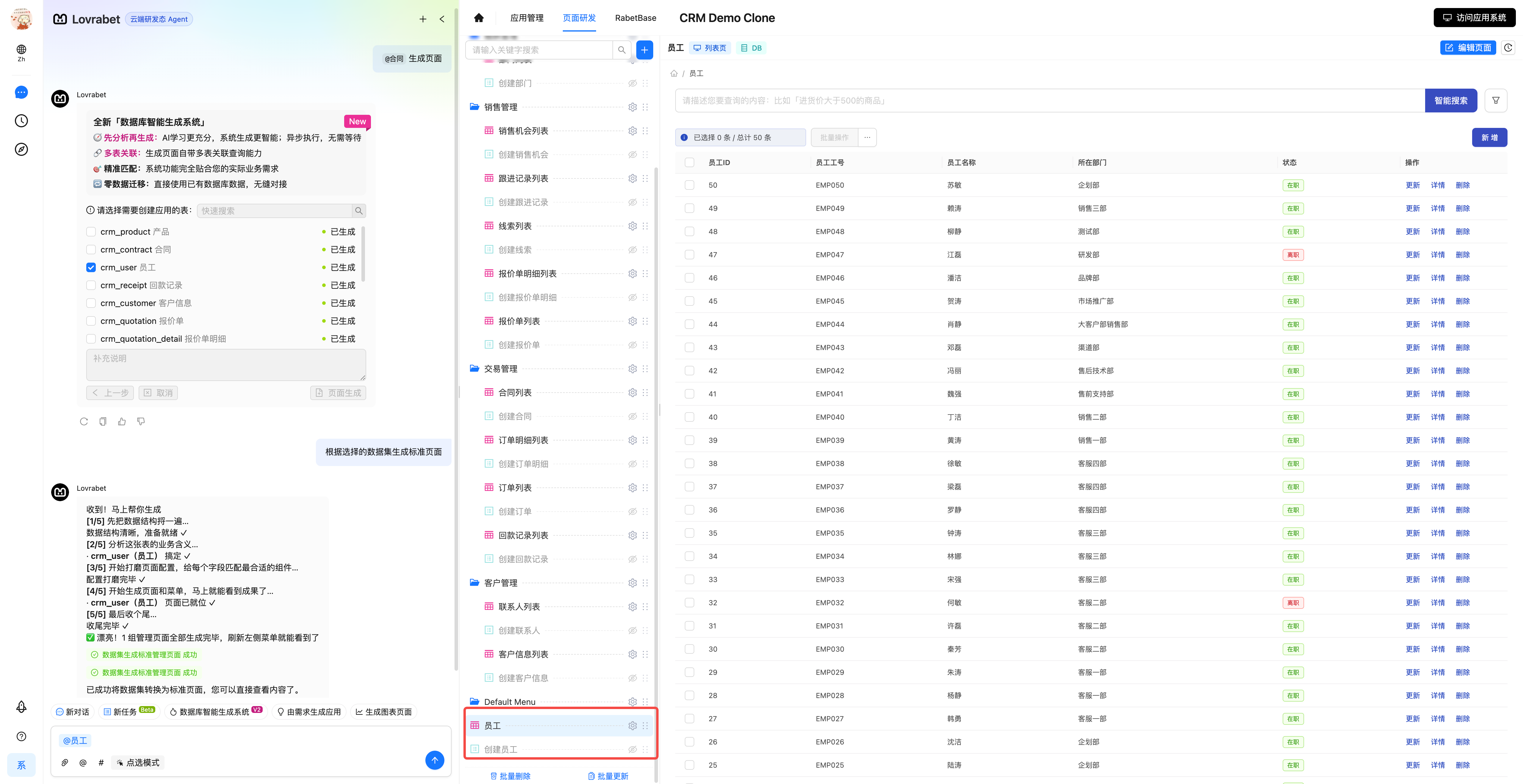
- Execution complete — the page is generated
Modify a data list page
- Select any data list page, describe the fields, filter conditions, actions, or interactions you want adjusted in the AI chat box, and wait for the Agent to finish.
- To configure by hand, see <cite doc-id="Nc8EwgH9Fi8Xm4kx2aJcdy54ndc" file-type="wiki" title="Data list page editor" type="doc"></cite>.