Knowledge bases and team reuse
Knowledges store background information such as terms, rules, and cases; Skills store operating steps. During a chat, the Agent retrieves Knowledge to understand the metric definitions, then runs the steps defined by a Skill.
Option 1: Do it manually in the Lovrabet workspace
Step1. Open the knowledge base
Business users (runtime): Go to Chat → Knowledge Base to browse personal and company knowledge entries.
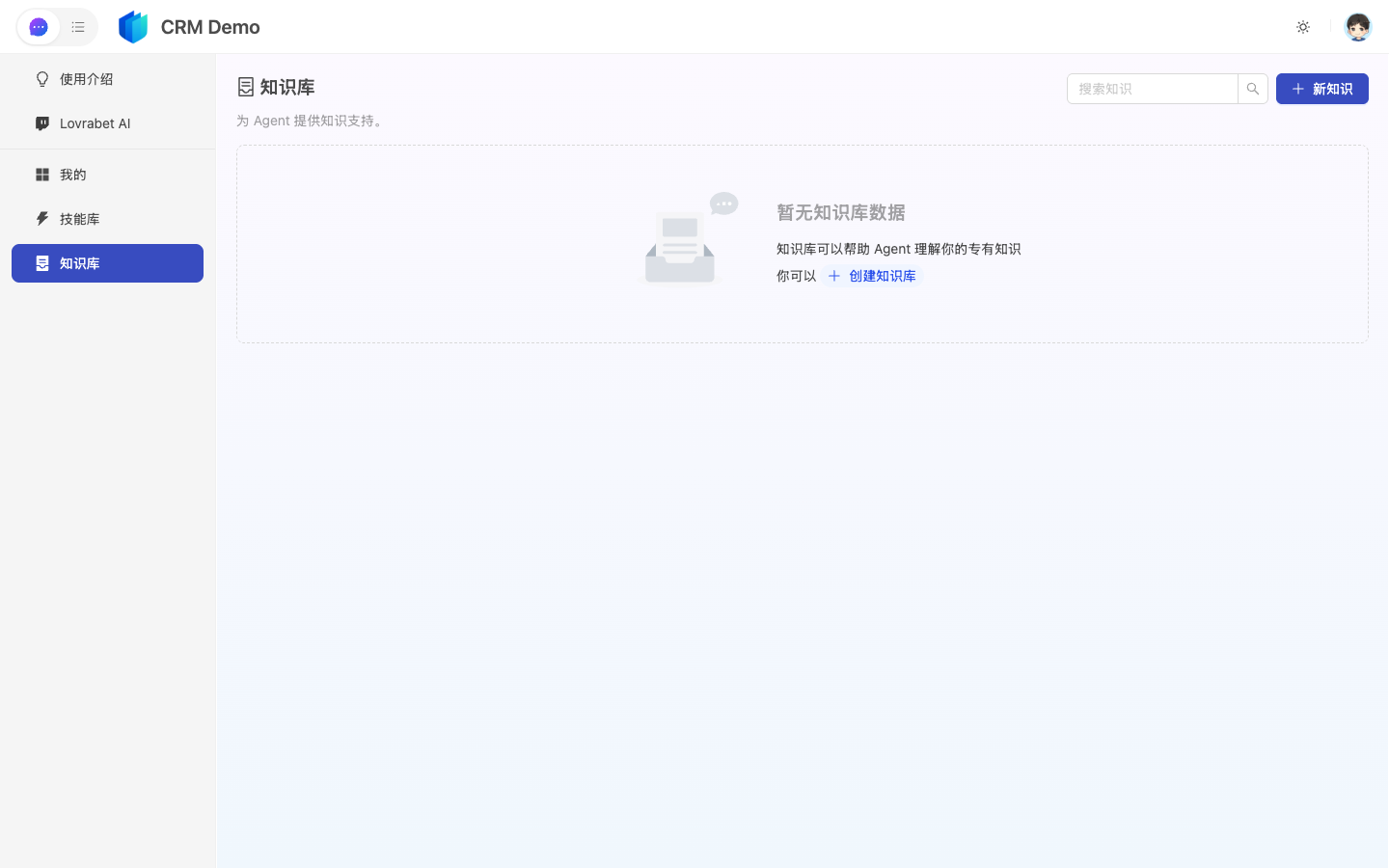
Admins/developers (workspace): Go to App Management → AI Asset Center → Knowledges to maintain the content of terms and rules.
Step2. Create or edit an entry
Fill in the title and category, then write in Markdown — for example: customer tiering criteria, approval rules, business terms, or explanations of common anomalies.
Step3. Maintain it alongside Skills
| Change type | Update first | Then check |
|---|---|---|
| A definition changed (e.g., VIP criteria) | Knowledge | Whether related Skill steps or prohibitions need syncing |
| The steps changed | Skill | Whether it still references the right Knowledge |
FAQ
Do uploaded files count as Knowledge?
Yes — the Upload to Knowledge Base entry under App Management → Overview walks you through bringing documents into Knowledges.
Is Knowledge enough without a Skill?
Yes. Pure background Q&A and term explanations can rely on Knowledge alone. But once you want to pin down "how it's done," add a Skill.