Dataset management
What is a dataset
When reverse-engineering analysis completes, Lovrabet generates datasets and their relations — including the inferred data models and the default APIs with their request parameters.
When you need to edit a dataset
Edit a dataset when the analysis results don't match the actual database and need adjusting, or when database fields have changed or been dropped and the dataset needs to follow.
The DO editing panel
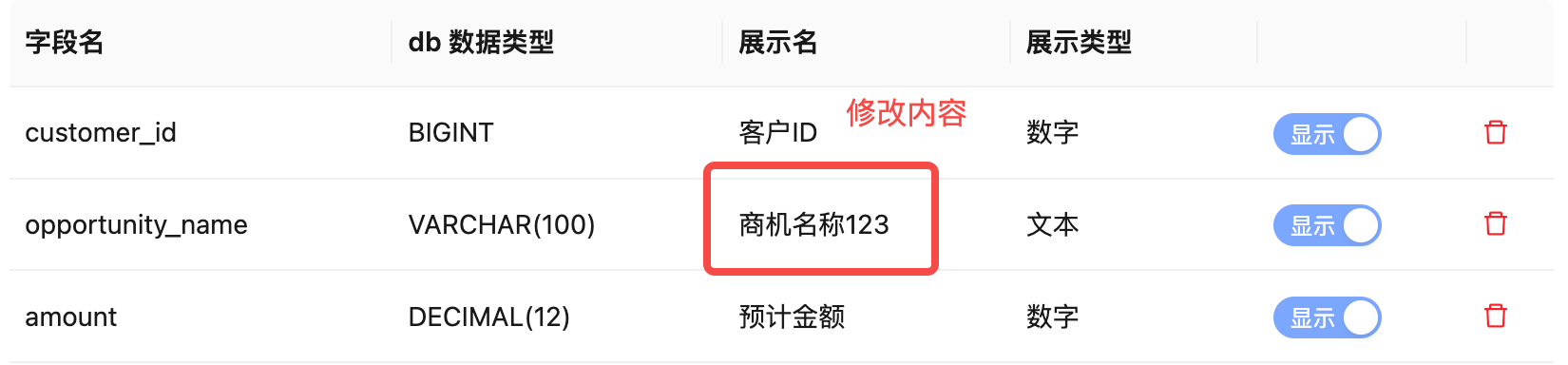
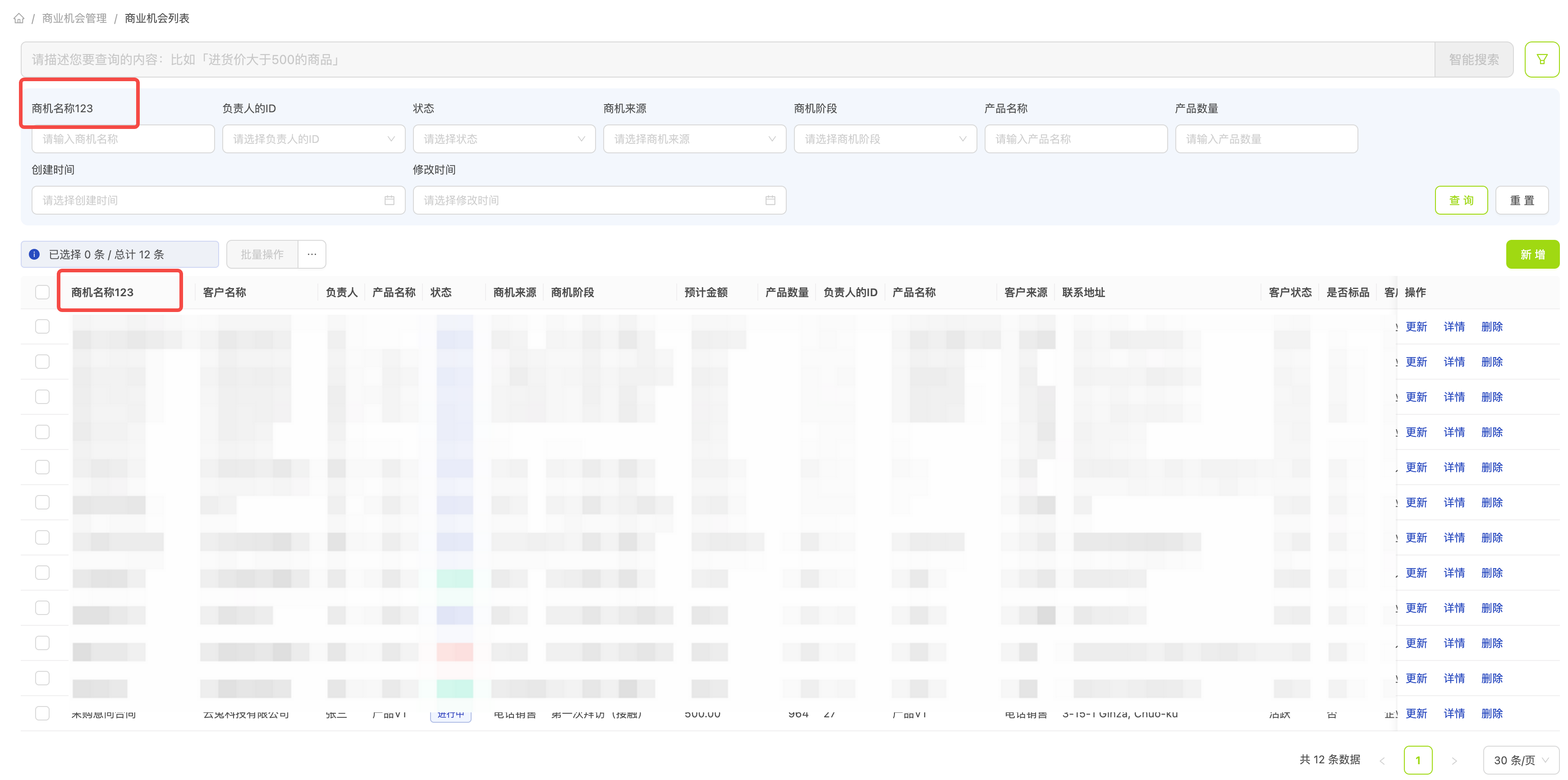
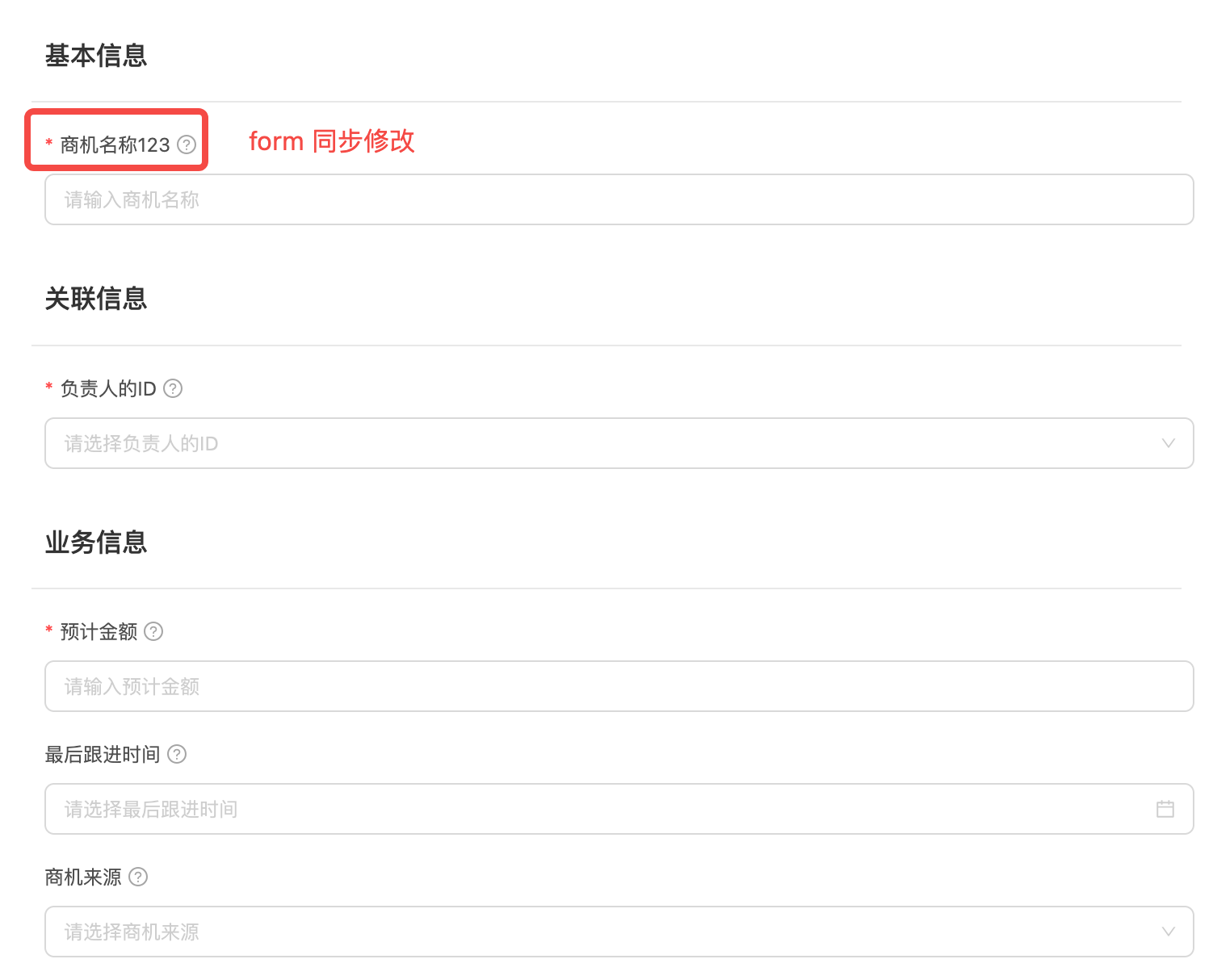
A DO is the data model of a dataset; it defines the basic shape of the data. Editing a DO changes how the resulting pages are rendered.
Where to edit
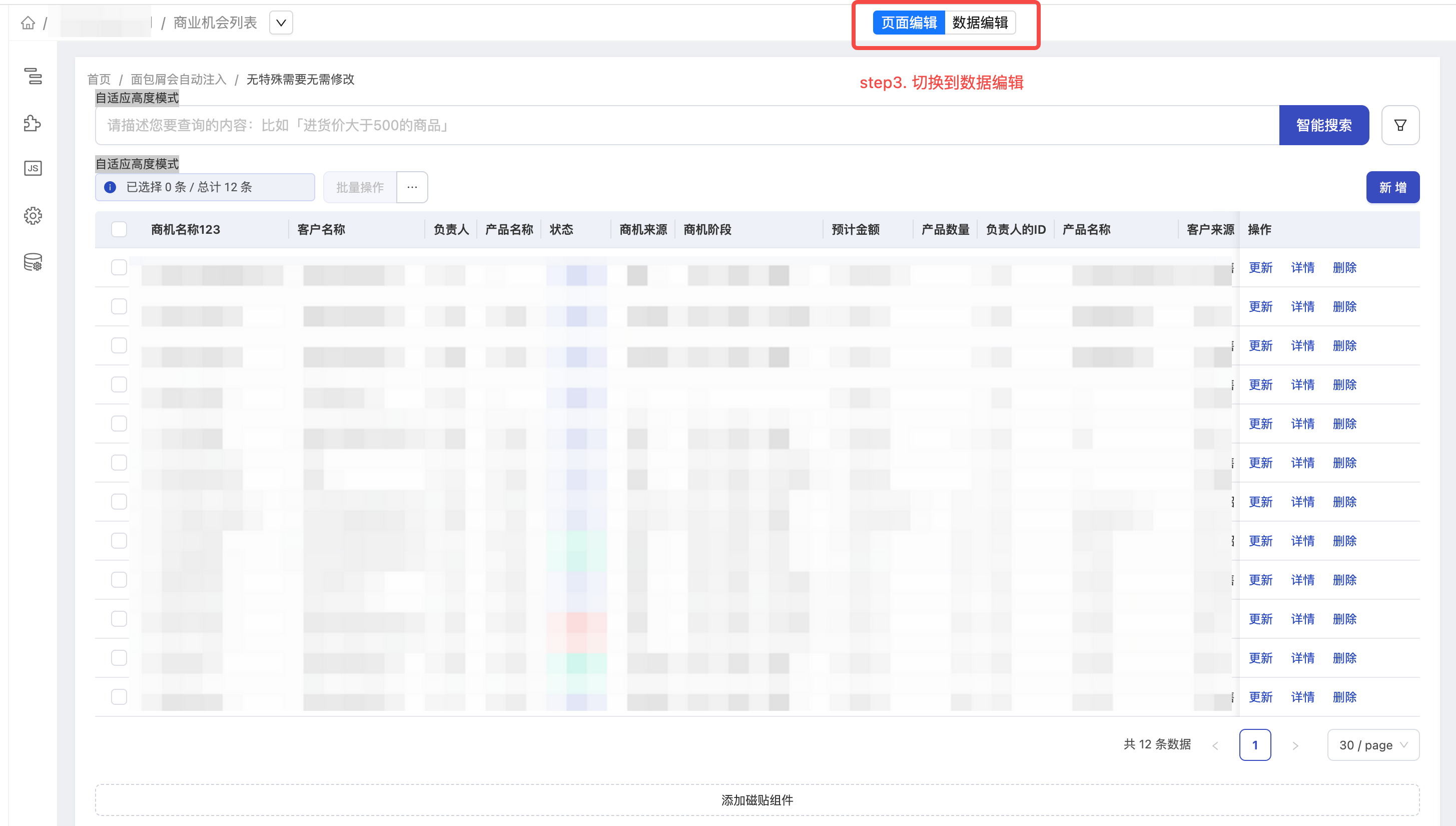
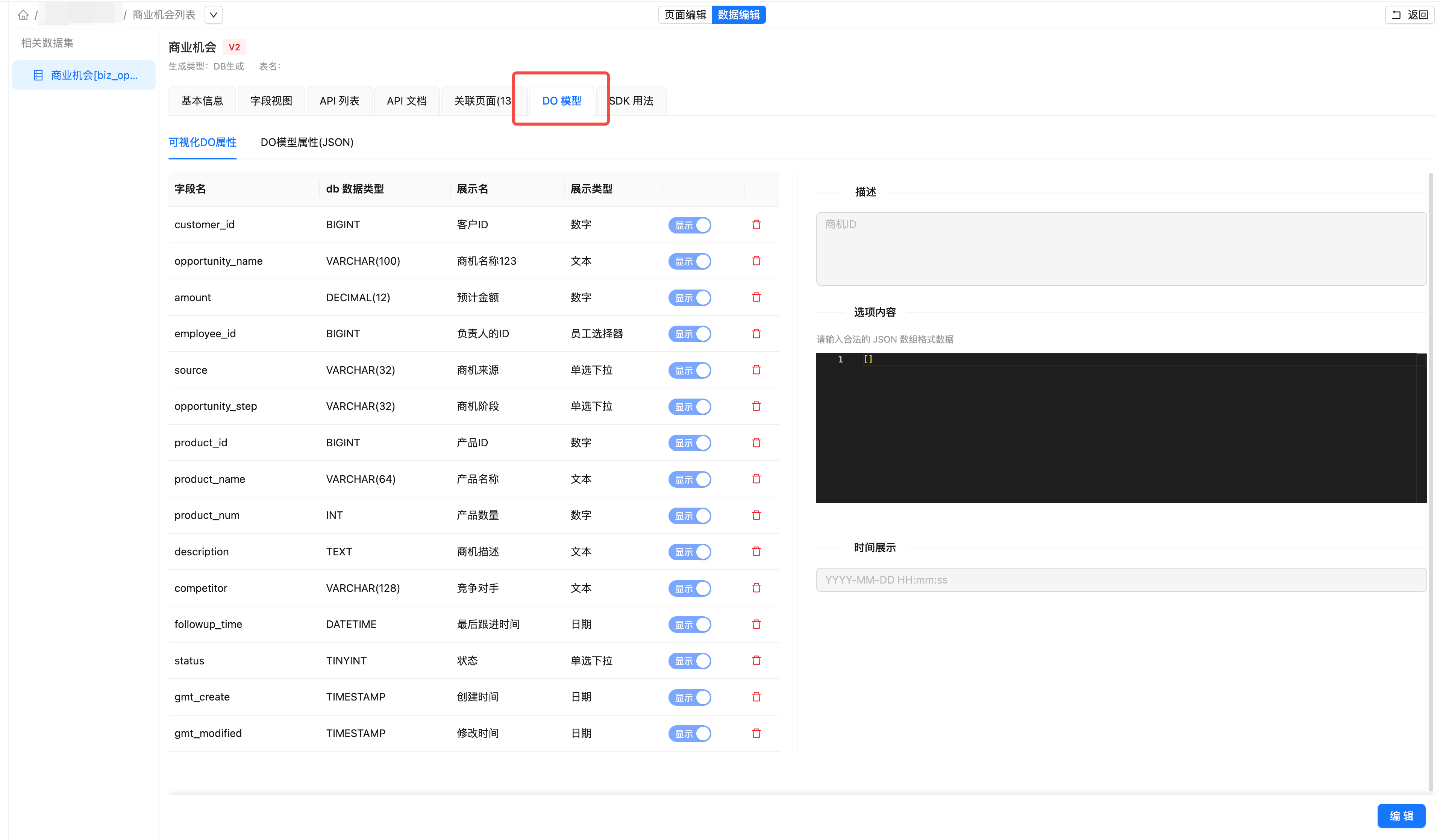
From the page editor
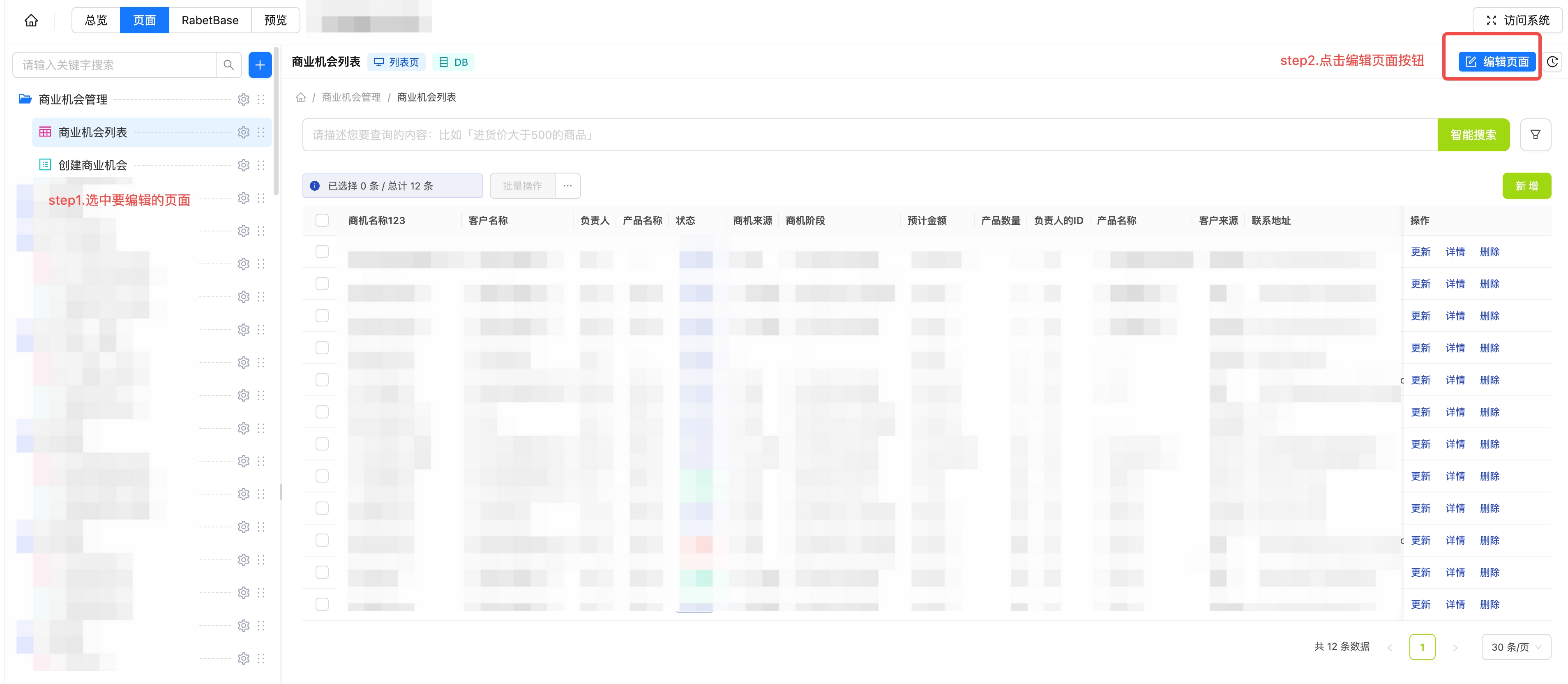
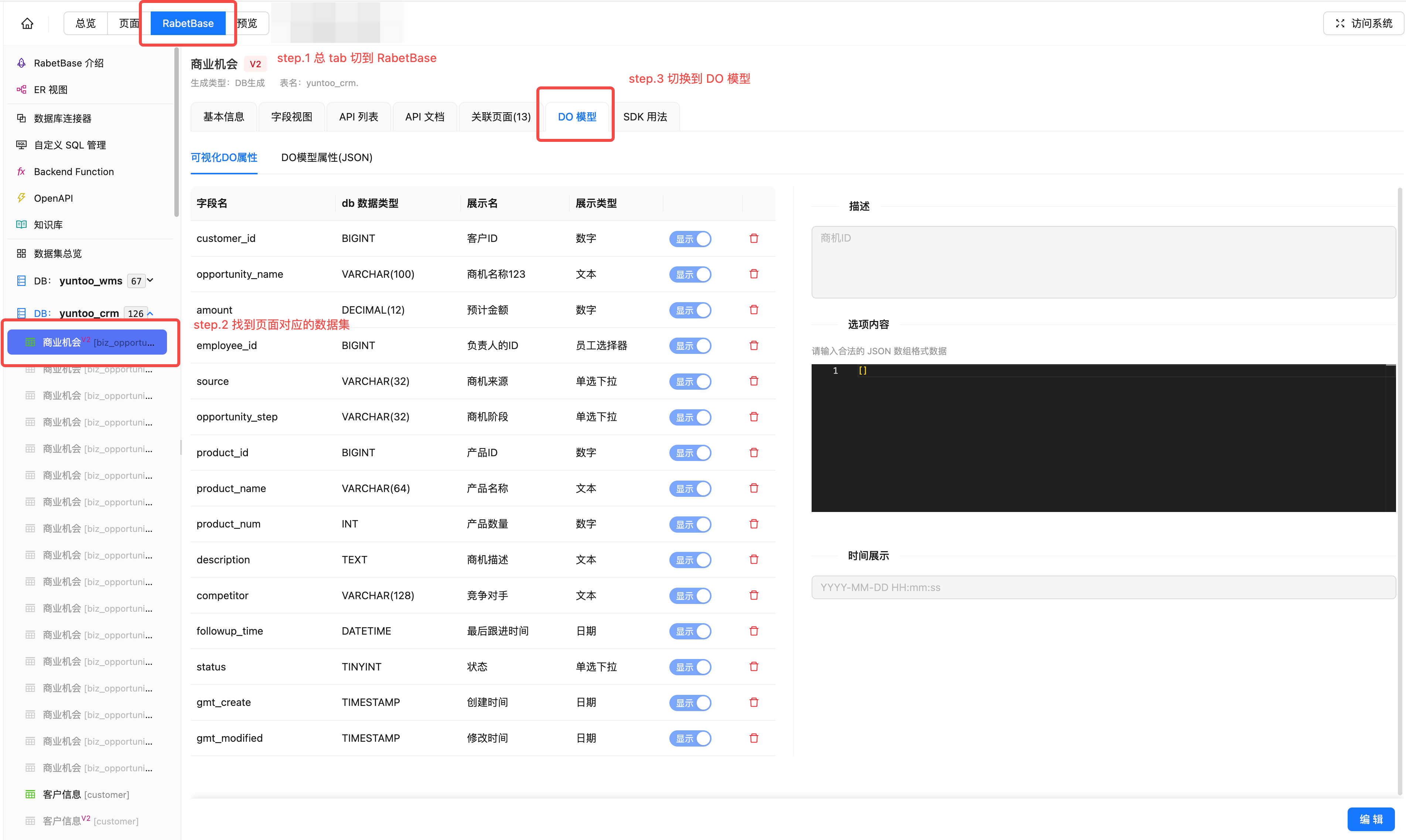
From RabetBase
The editor panel
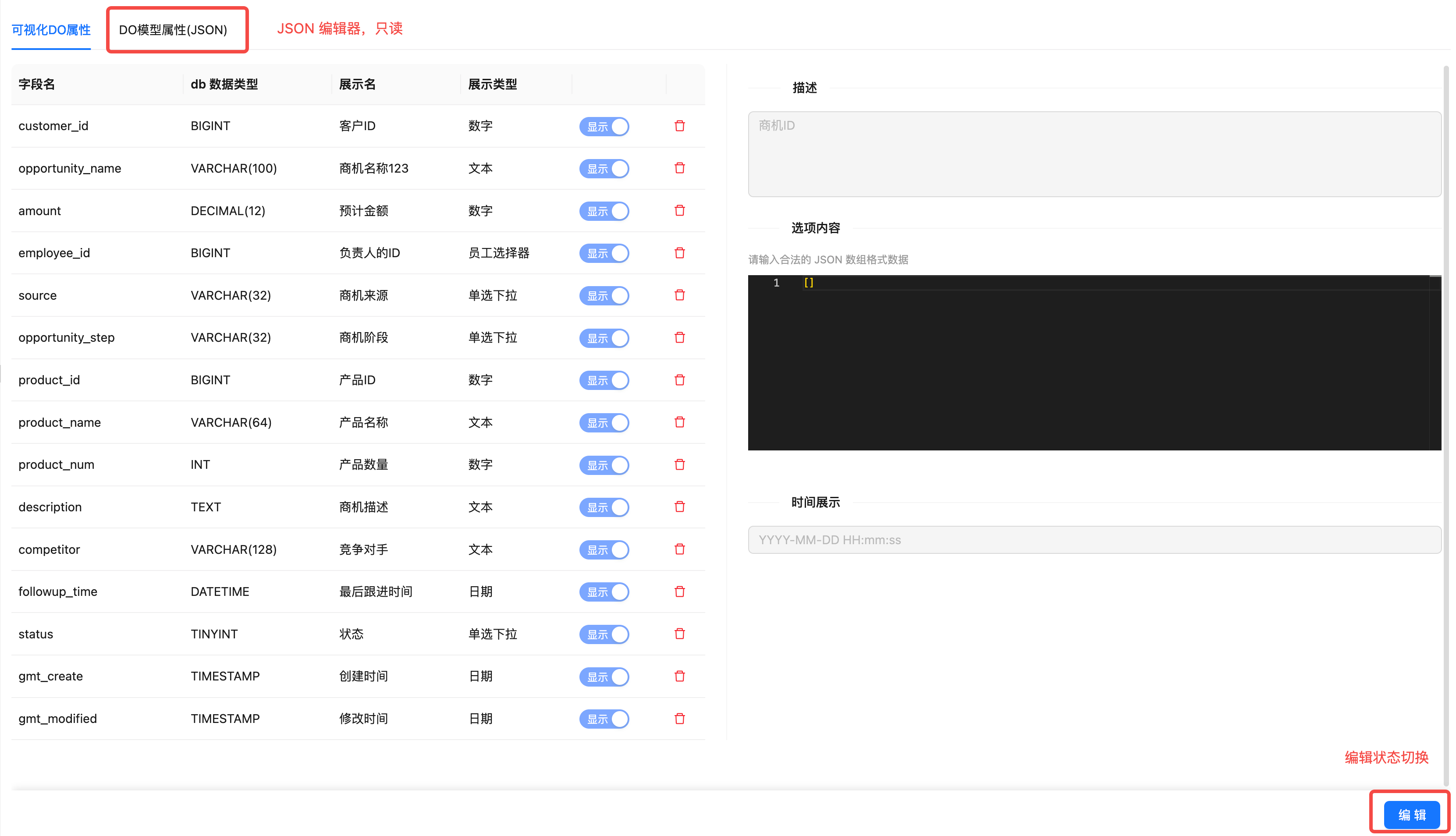
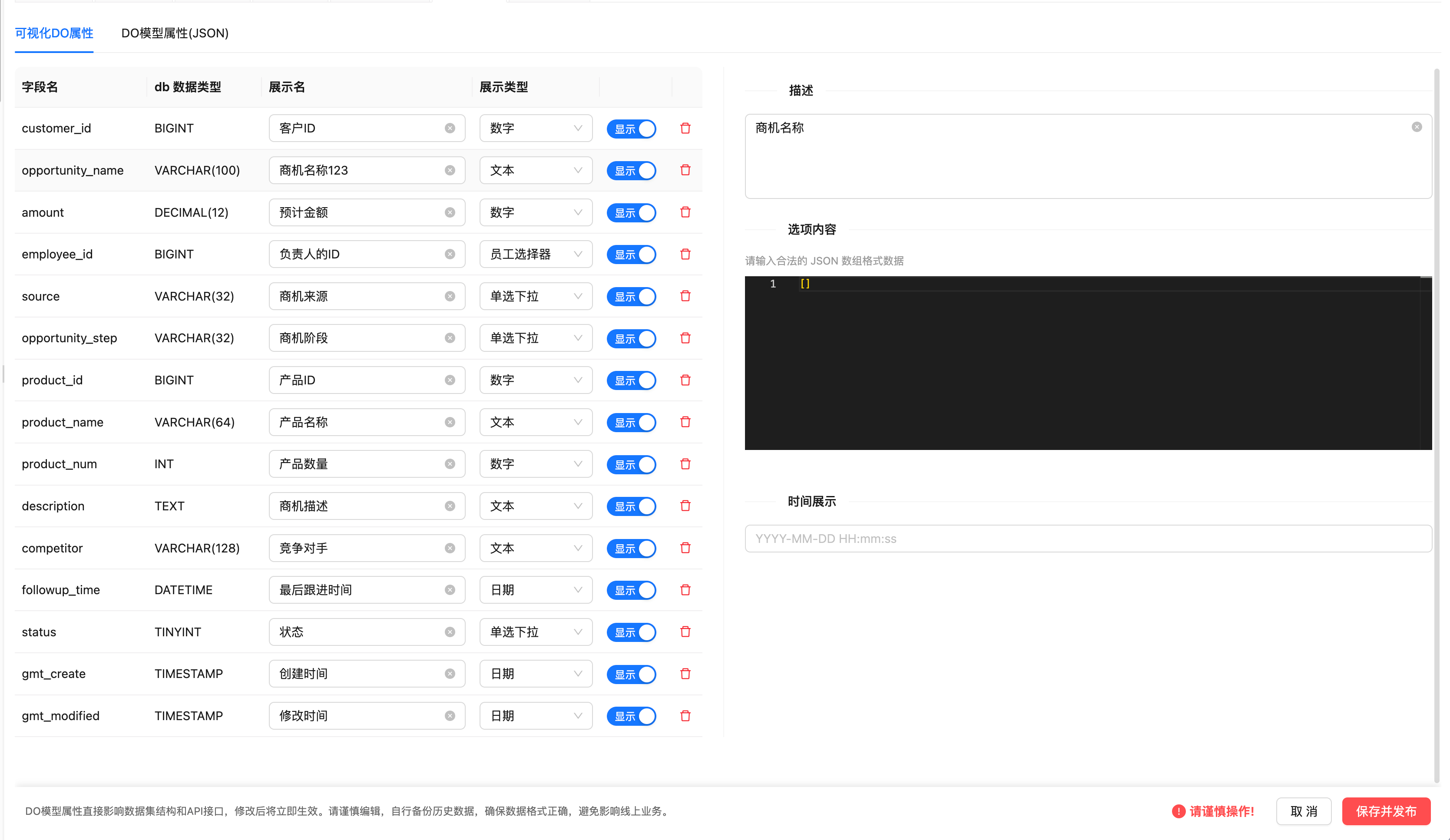
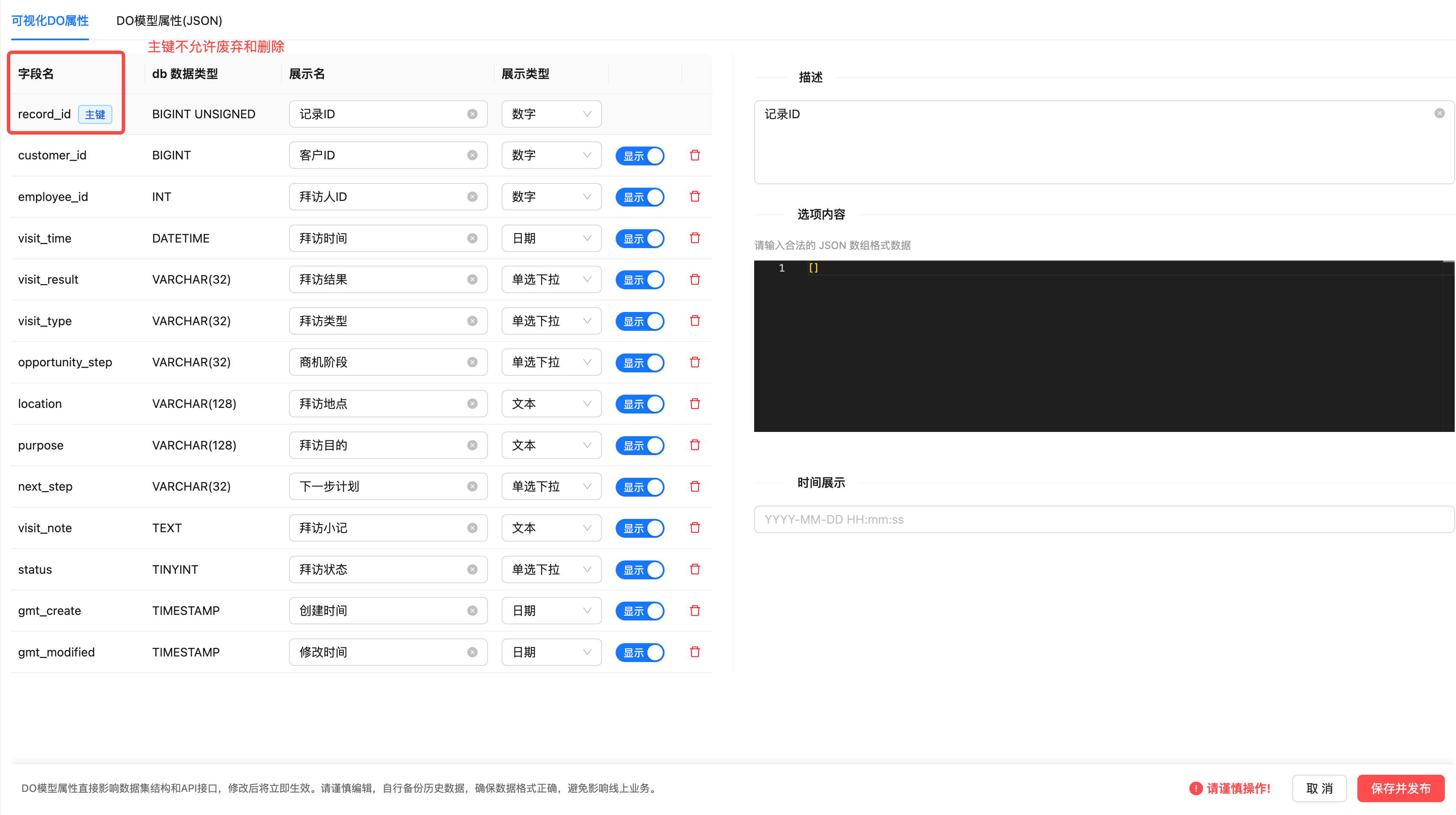
- The JSON editor shows the complete data of the DO's primary table (related tables are not shown). It is read-only.
- Nothing is editable in the non-editing state; switch to the editing state to modify some of the properties.
Deprecating a field
If a database field is unused for now and you're not sure whether it will surface again, deprecate it.
- Once deprecated, the field is hidden from every page linked to the dataset.
- If you re-enable it later, it shows up again with its default property settings.
Deleting a field
If a database field is definitely no longer used, or has been dropped from the database, you can delete it outright. Deleted fields cannot be recovered — proceed with care.
Changing properties
Just do it on the page. The highlights here are options and date display formats:
- Options. Components with options — single-select, multi-select, cascading select, and so on — need an options data source configured:
[
  { value: 'value1', label: 'label1' },
  { value: 'value2', label: 'label2' },
  { value: 'value3', label: 'label3' },
  { value: 'value4', label: 'label4', disabled: true },
]- Displaying dates
Date display strictly follows the date type's format, for example YYYY-MM-DD.
Save and publish
Once a DO is saved, every page linked to the dataset updates automatically