Agent session management
When you need to revisit, switch between, or delete past sessions — or keep different business topics from bleeding into one chat:
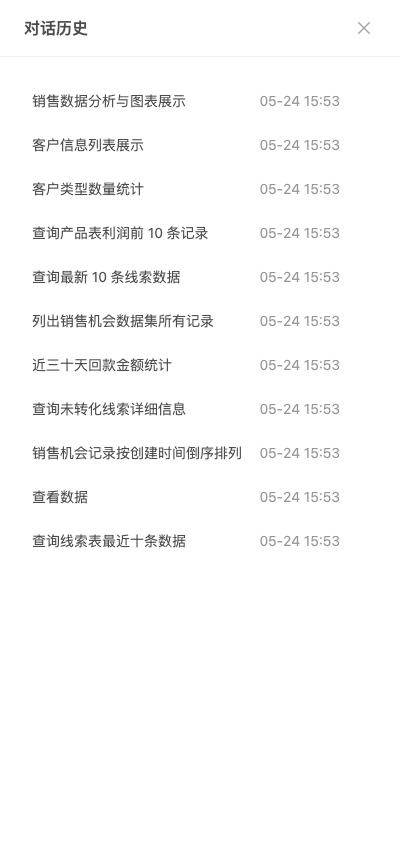
Step1. Open history
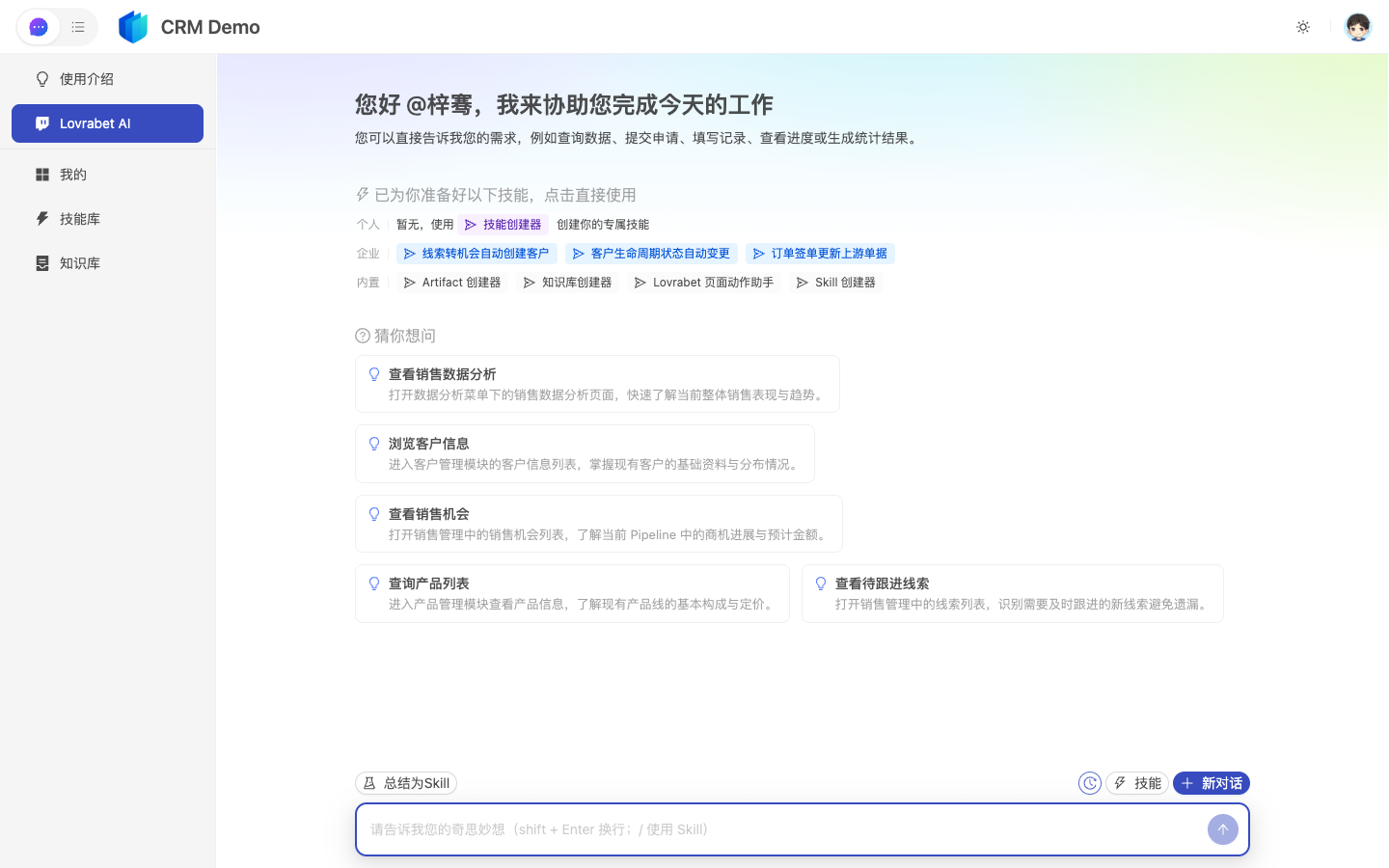
Click History (the clock icon) on the left.
Step2. Switch or create
- Click an entry to load a past session
- New business topic → click + at the top to start a new one (keeps threads clean)
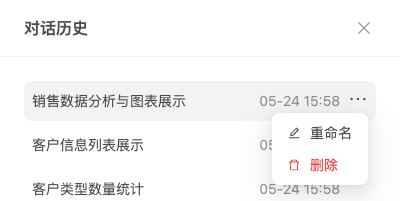
Step3. Rename and delete
On an entry, click ⋯ → Rename or Delete (deletion is irreversible).
FAQ
Should I close a session while a Plan is running?
Keep it open until the Plan finishes, then archive and rename it.