Text-to-page generation
Generate custom React pages from natural language — when you already know what you want to see and what you want to do, but would rather skip drawing a prototype or configuring fields, just describe the page you need in plain language.
How to use it
Option 1: describe the page goal
Open the app and describe the page you want directly in the AI chat box, for example:
做一个给运营用的页面:筛选近 30 天退款订单,按原因分组,支持导出,并能查看订单明细。Lovrabet draws on your existing datasets to understand the business objects, field relations, and permission boundaries, then generates a working page — not just a static mockup.
<grid> <column width-ratio="0.475321"> 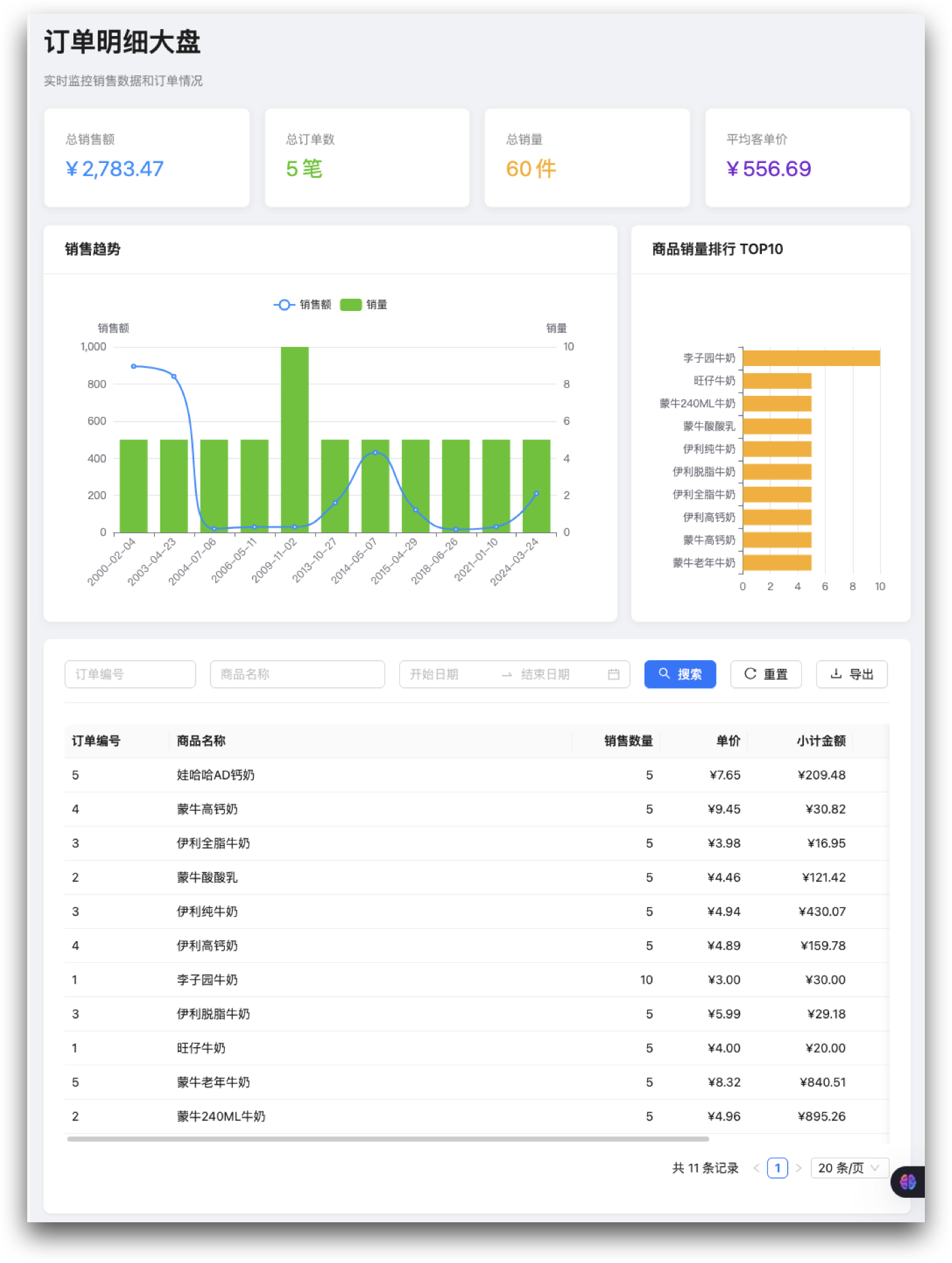 </column> <column width-ratio="0.524679">
 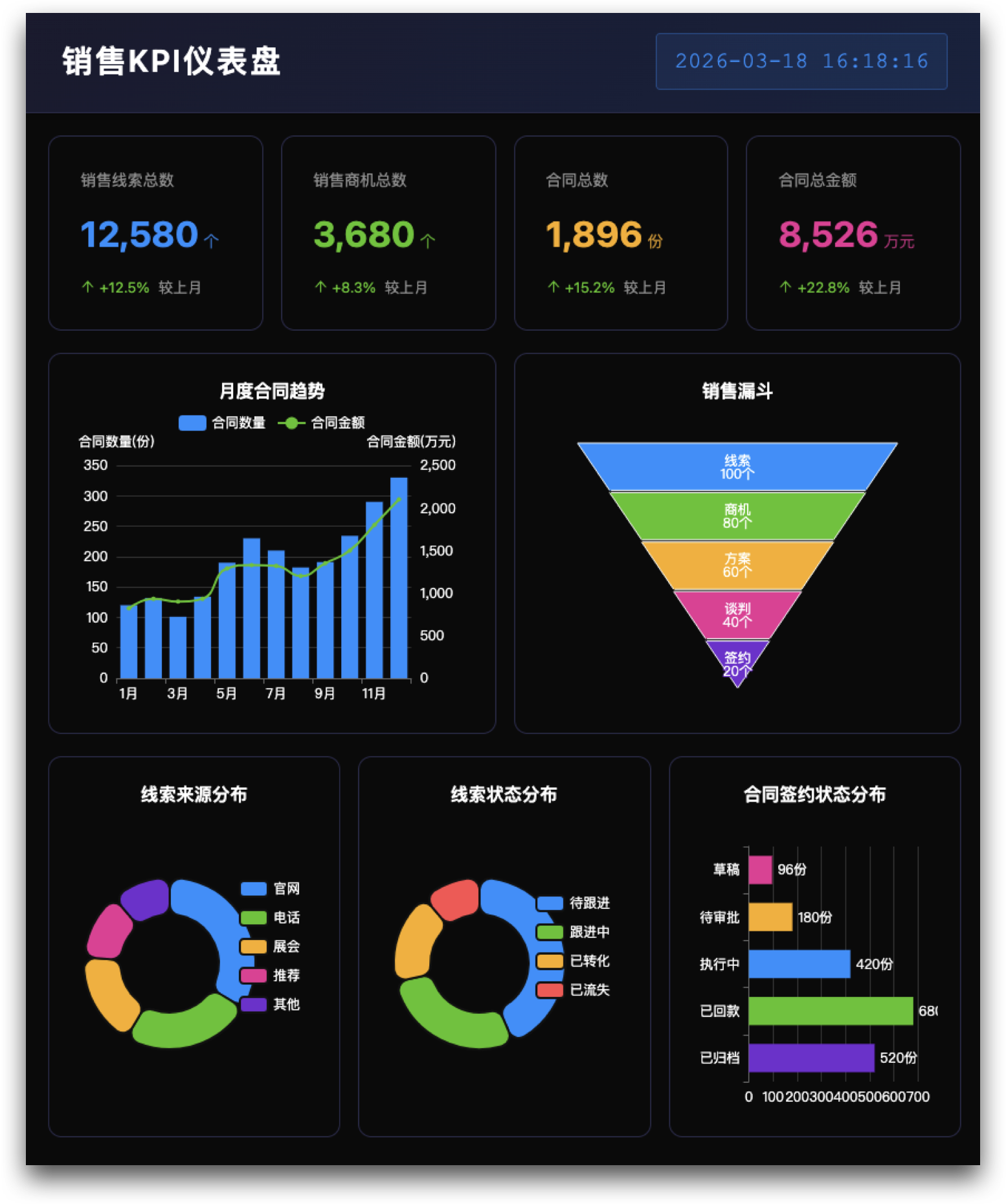 </column> </grid>
Option 2: describe it with images
If you have legacy system screenshots, hand-drawn sketches, sample Excel sheets, or whiteboard flows, hand the images to the Agent as well — it will understand the fields, process, and expected layout far more accurately.

Option 3: build up capabilities round by round
After the first generation, keep adding:
- More filter conditions
- Export and bulk actions
- Reordered field display
- Existing SQL / BFF logic wired in
- ...
To edit the code manually, see <cite doc-id="RLeMwORlgijniekhRZ9c8E4anHd" file-type="wiki" title="Manually editing custom pages" type="doc"></cite>
Publish the page
- Pages the AI creates or modifies don't go live automatically (visible to runtime system users);
- After debugging in the development environment, you must click "Publish" for the change to reach production.

FAQ
Is text-to-page generation Lovrabet's main focus?
No. Text-to-page generation is one way of carrying business outcomes. Lovrabet's core remains the business model, runtime execution, and the accumulation and reuse of experience.